Each family with their children, each in their own age group, and the full history of every student: call-ups, minutes played, goals and assessments across the season.
Class roster, attendance per session, and periodic assessments the family can see from their own account.
Monthly or annual fees with the date and method of payment, sibling discounts, and a statement parents can see. No more asking whether they've paid.
The card is generated from the admin panel and shows up in the family's account, ready to present at the field.
Schedules by age group, assigned fields or rooms, and notices when something changes — which is exactly when the notification needs to arrive.
Fixtures with called-up players, entry of goals, substitutions, cards and penalties, and standings and scoring tables by league and age group that recalculate themselves.
Built-in player to stream the match to families who couldn't make it, with your own link or an external platform.
Every new signup goes to the administrator, who approves it and assigns the role: management, coach, family, player or guest. Nobody gets in on their own and nobody sees what isn't theirs.
No data requires touching a database or a spreadsheet: teams, leagues, points, students and payments are all created from the panel.
An academy keeps its rosters in a messaging group and its payments in a notebook, and parents never know whether they've paid this month, what time class is, or whether their kid made the squad. AcademyLook is the same information for both sides: what the office enters is exactly what the family sees, without anyone having to forward anything.
Real screenshots, not mockups. Tap any of them to see it full size; arrows move between them, Esc closes.
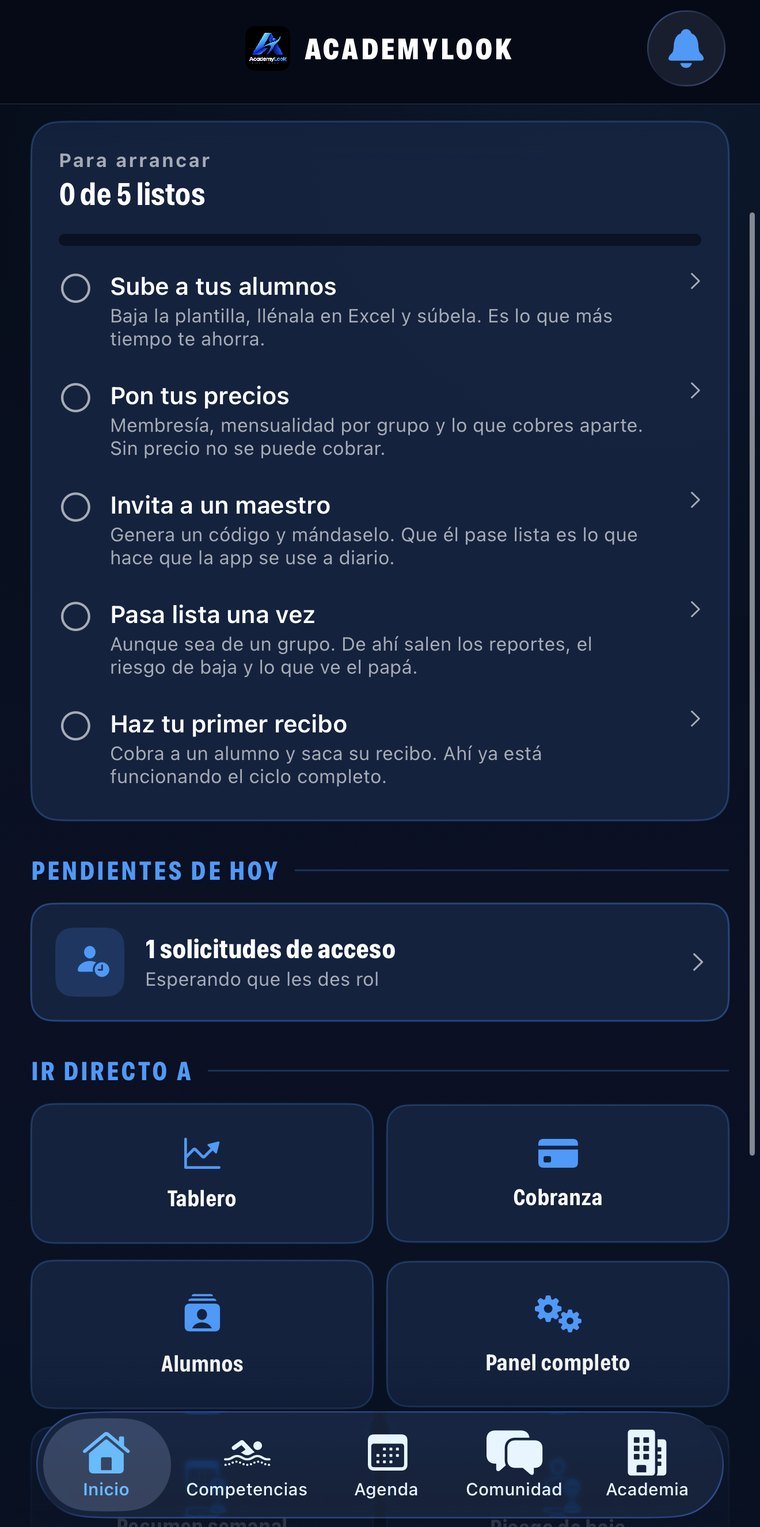
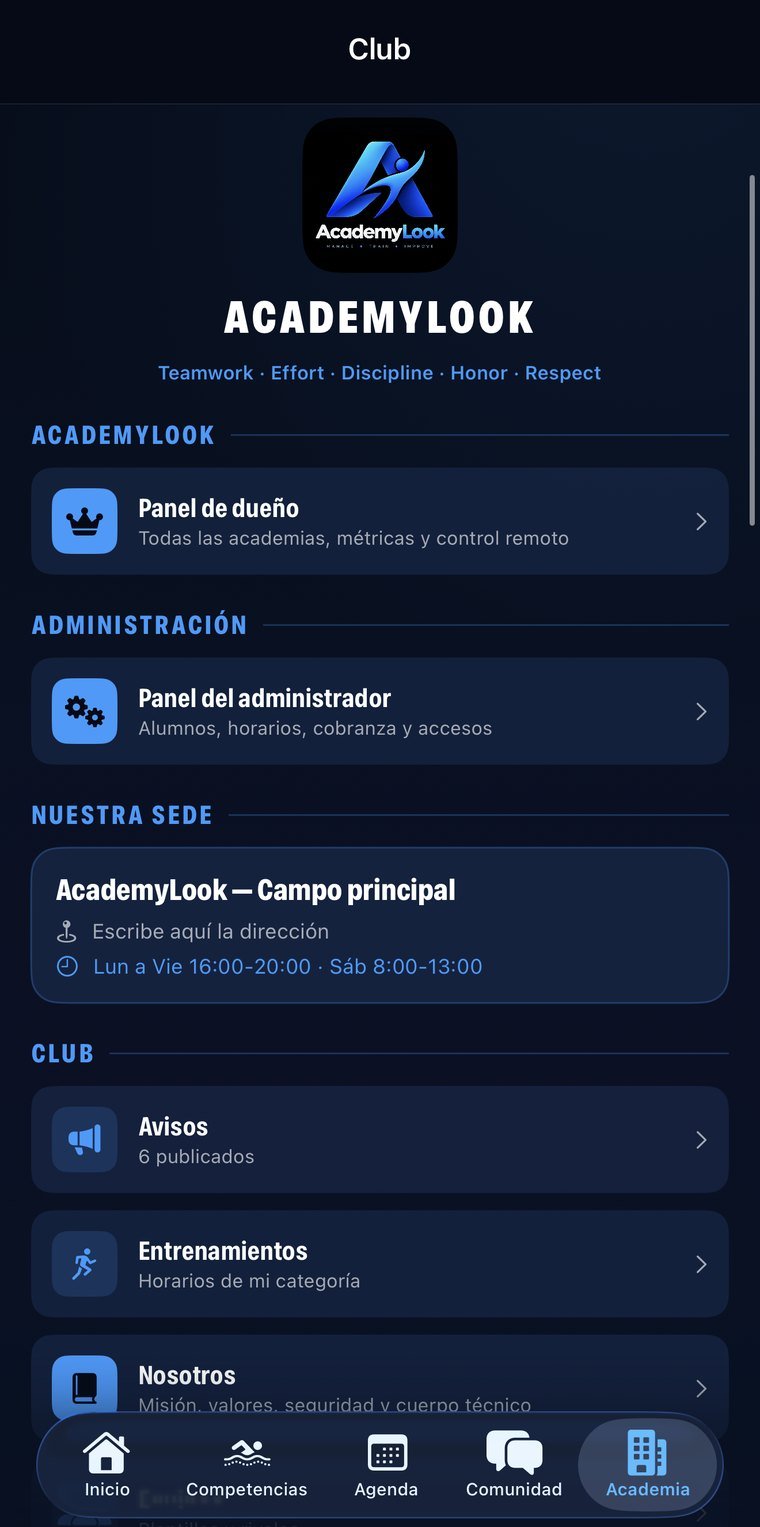
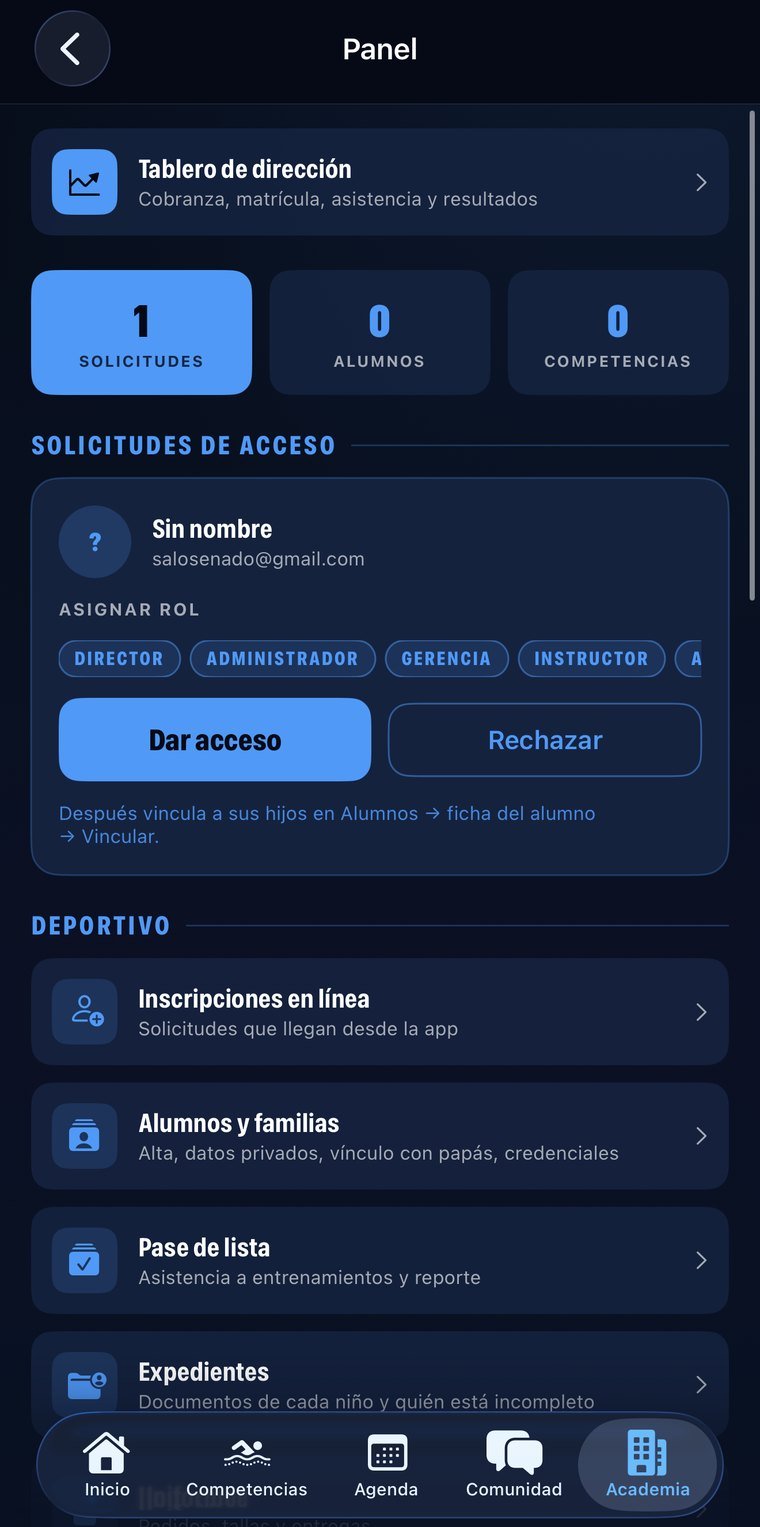
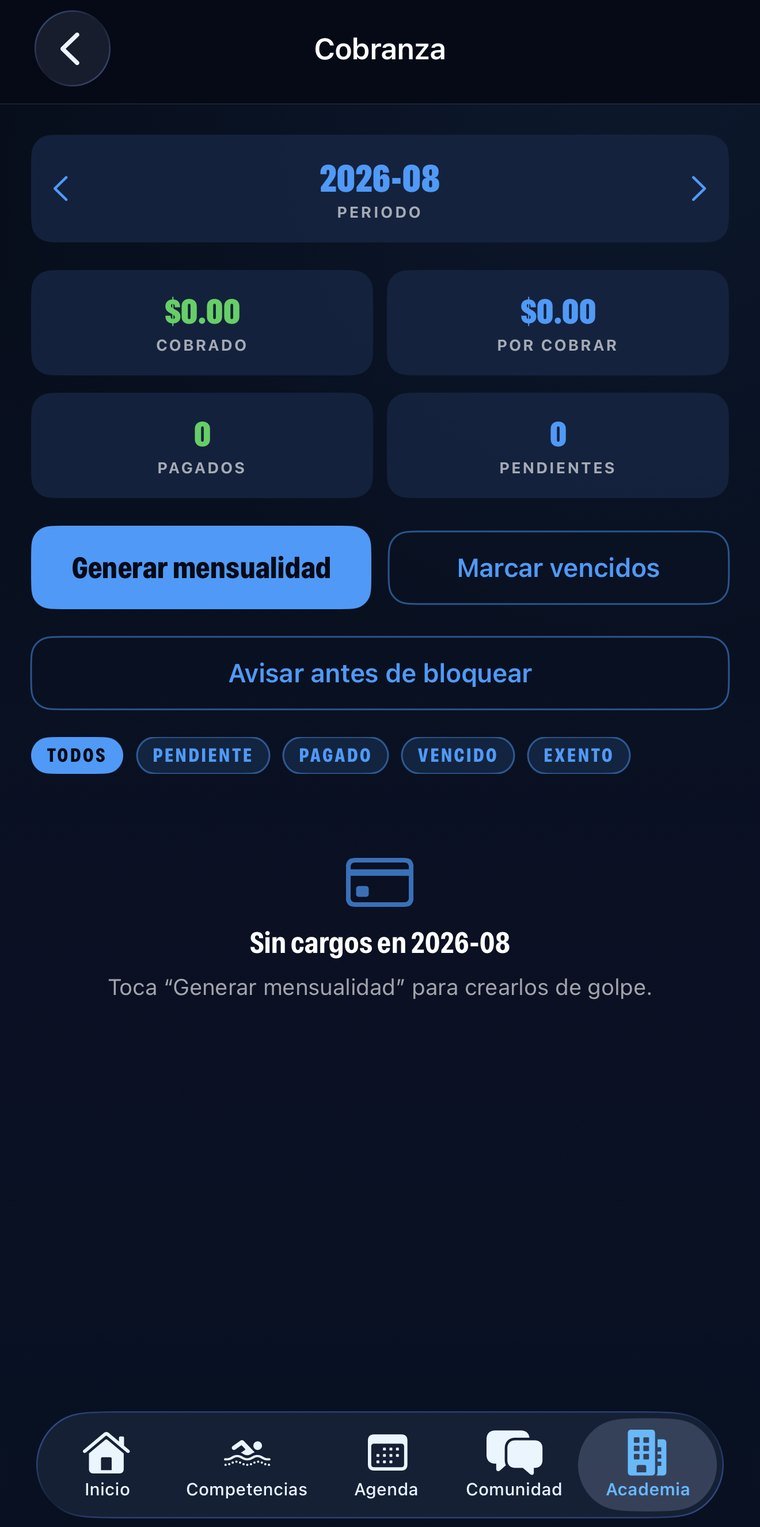
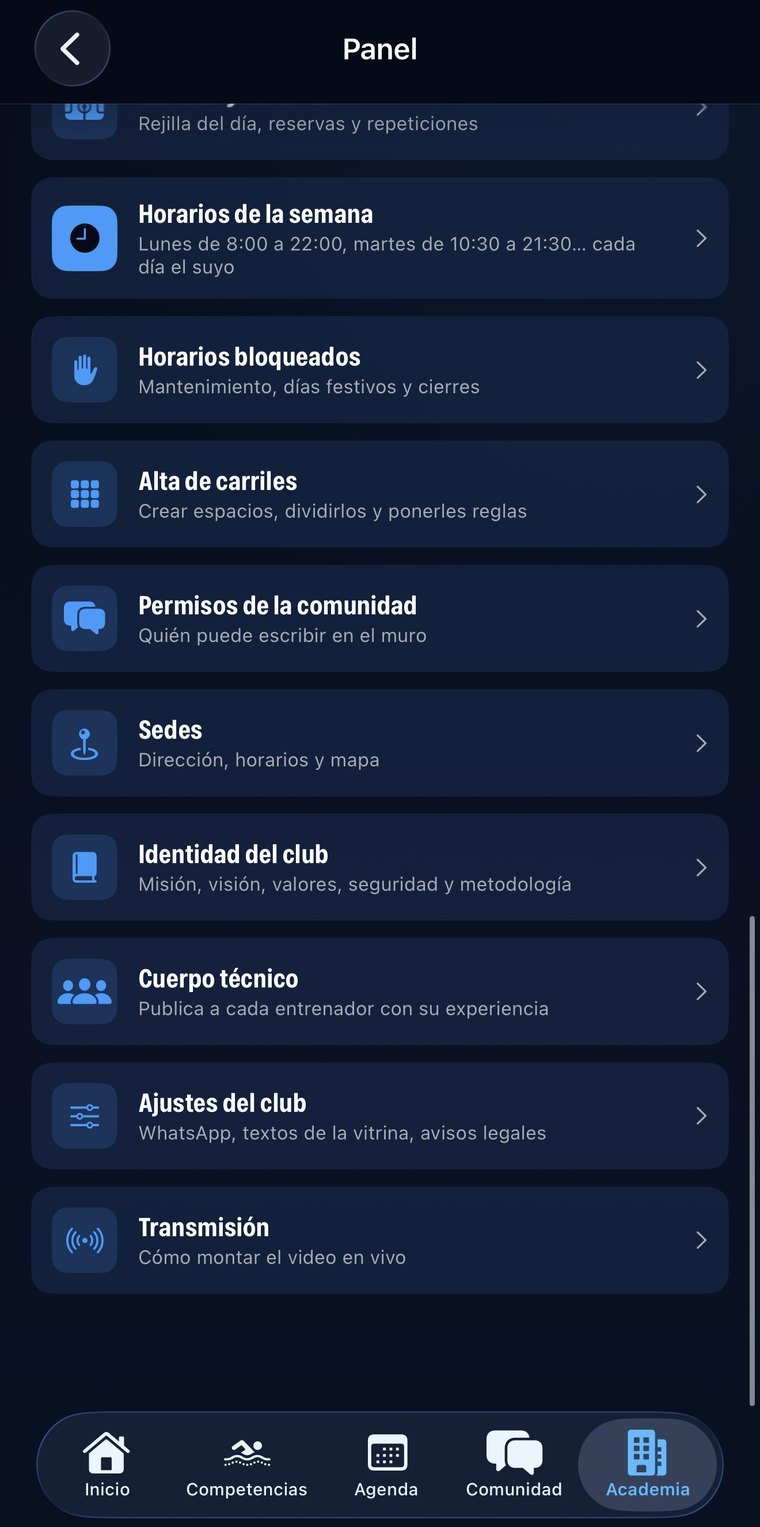
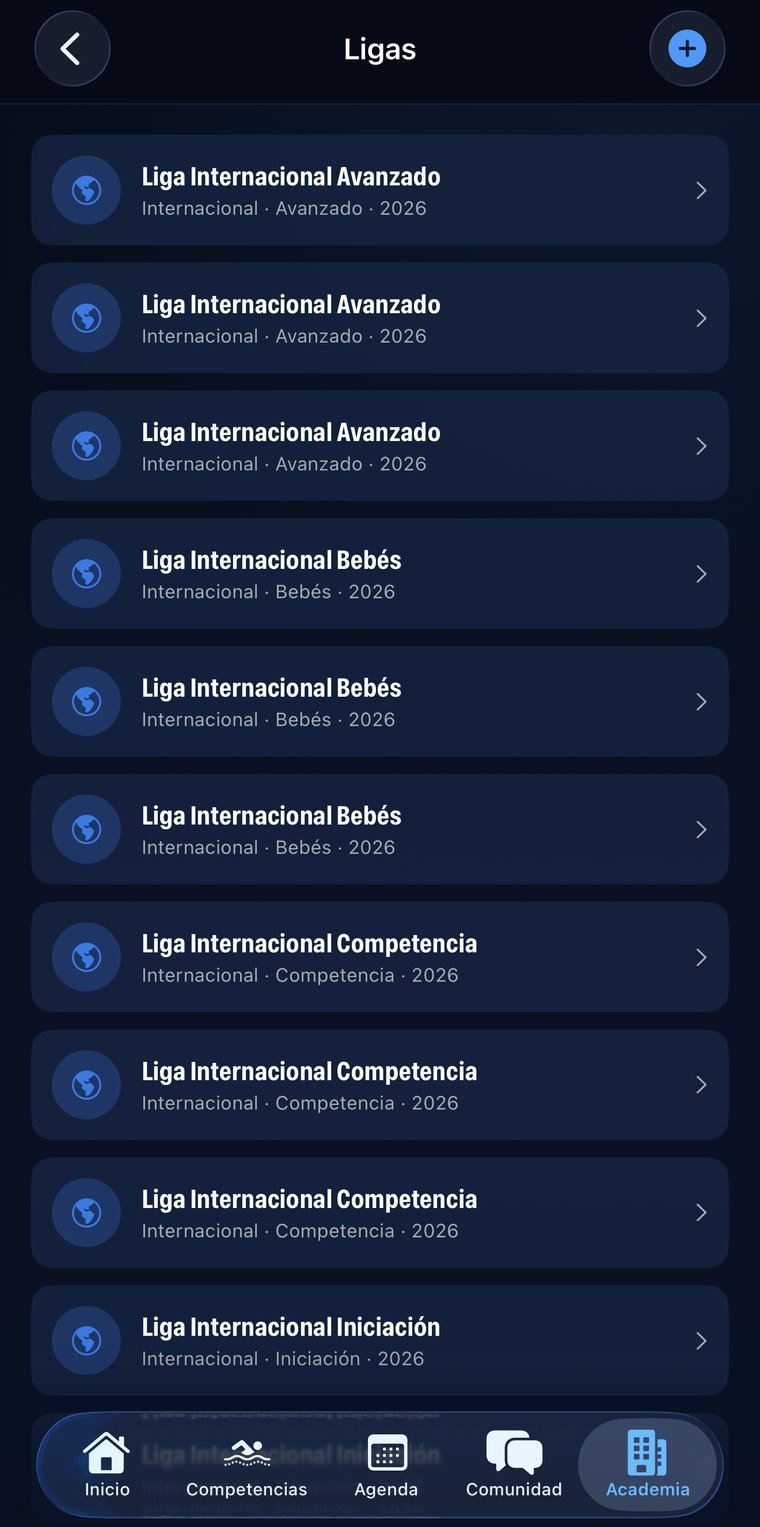
For sports schools, academies and clubs with several age groups, coaches and locations.
No new account, nothing to install: you sign in with the same email and password as the app and see your information on a big screen. Useful for reviewing, showing someone something, or printing without passing screenshots around.
The email and password you already use. If you don't remember it, the reset email goes out from that same screen.
Students, payments, receipts, attendance…
The session lives only in that tab and is erased when you close it. If you signed in on a borrowed computer, nothing is left behind.
The web is for reading; entry happens in the app. Two places writing at once is how information stops reconciling and changes get lost — we'd rather that simply couldn't happen.
Permissions are enforced server-side, not by the page. From the browser you can't reach information that isn't yours, even if someone tries by hand.
Each family sees only their own students. Management sees everything.